ChallengeCam guide: how the games, party mode and Reels work
A tour of ChallengeCam: the 30 party challenges, playing with up to 4 friends on one phone, how the finished clip is made, and daring a friend with a link.
ChallengeCam is a party game and a video editor in one. You play quick brain games, the front camera films your faces, and at the end you get one vertical clip with the game, everyone’s reactions, the scores and the winner. Here’s how it all fits together.
Start in seconds
There’s no sign-up to get going. Open the app, pick who’s playing, and you can record your first video in under a minute.
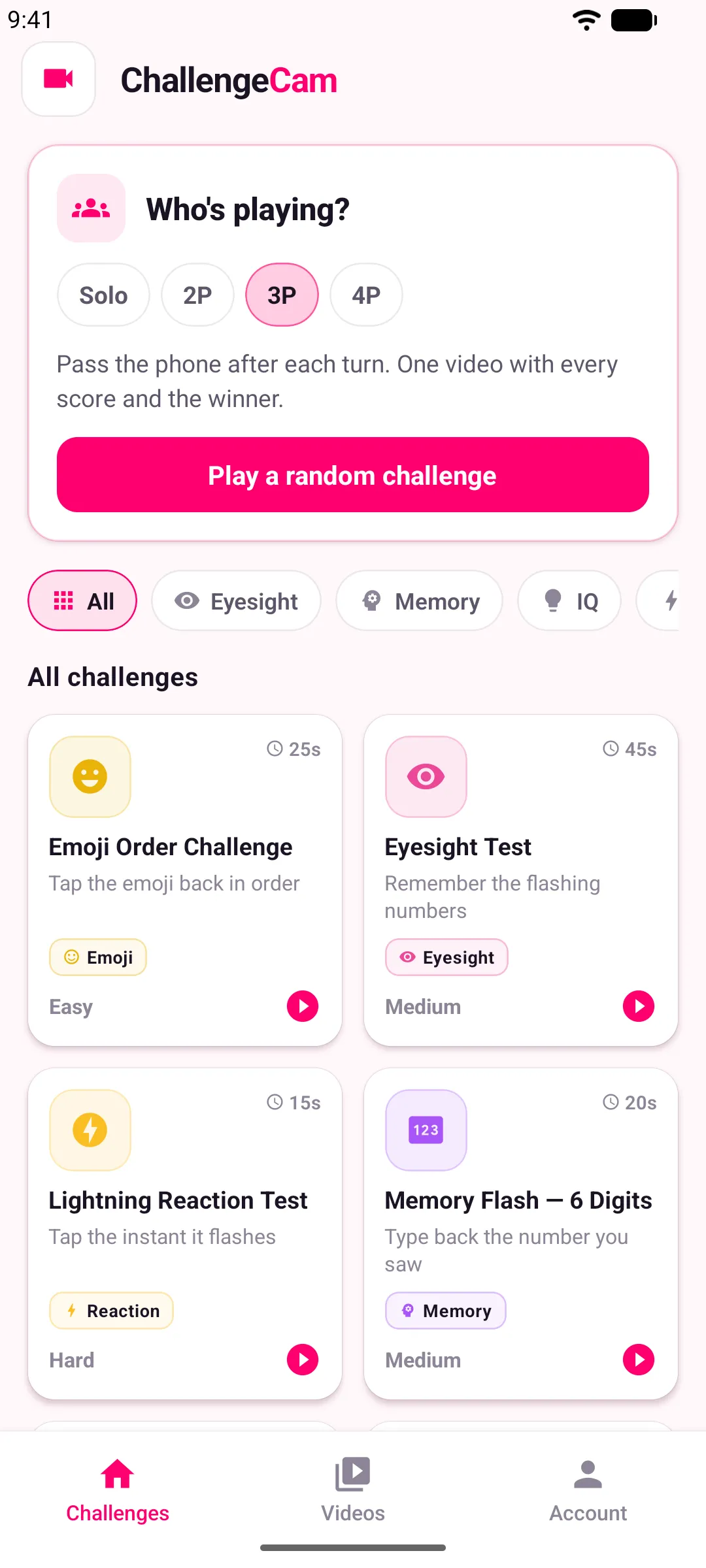 The home screen: pick who’s playing, then play a random challenge or browse them all.
The challenges
There are 30 challenges, each at easy, medium and hard levels:
- Memory: for example, a number flashes and you type back what you saw.
- Eyesight, reaction time and quick maths.
- Emoji and Bollywood Emoji: guess the movie from emoji clues.
- Cricket true or false: for the person who knows every stat.
- Say It Fast: a tongue twister, and your friends judge whether you nailed it or fumbled it.
- A steady-hand tilt game, and more.
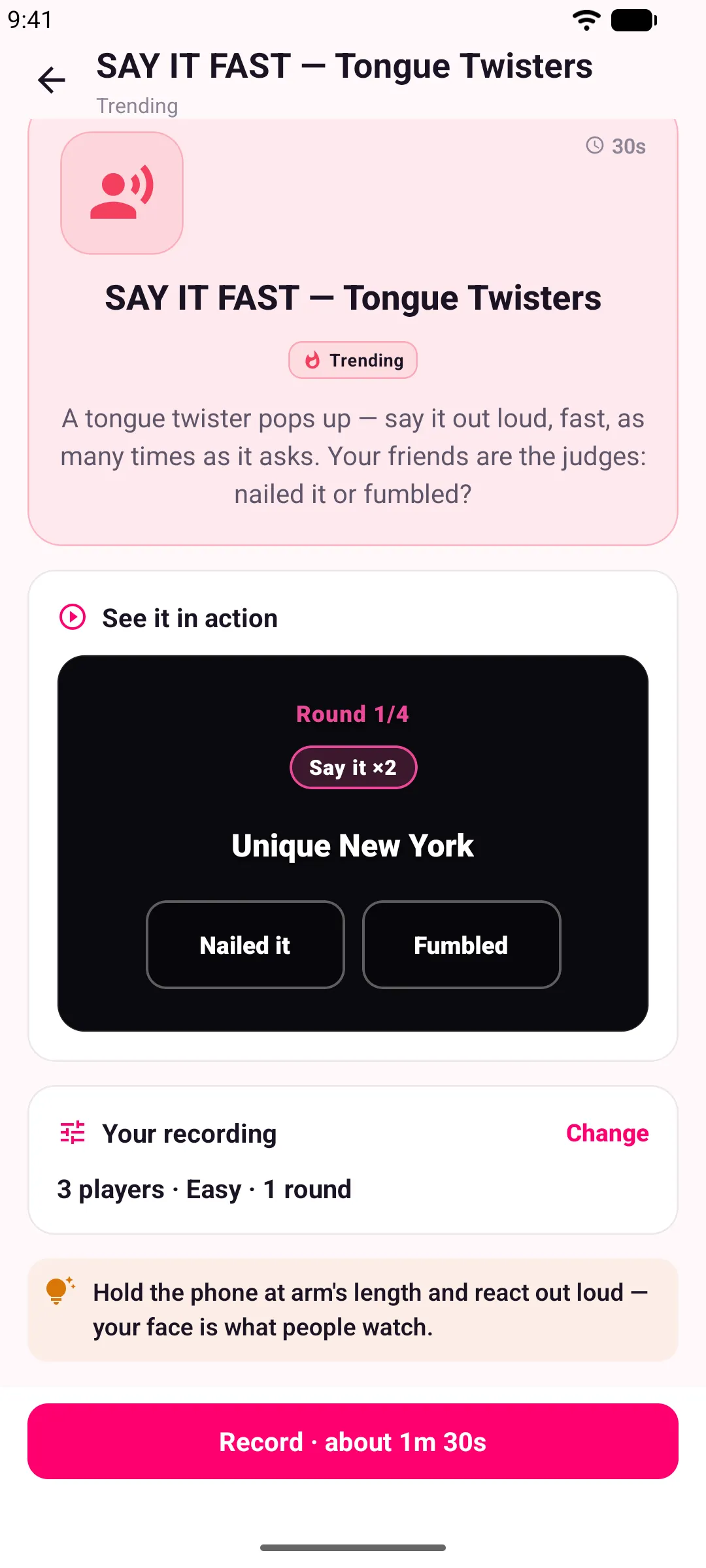 Say It Fast: your friends judge whether you nailed the tongue twister.
If you can’t decide, Play a random challenge picks one for you.
Party mode: one phone, up to 4 players
Choose how many are playing on the home screen. Each player takes a turn while the phone is passed around, everyone gets their own score, and the clip crowns a winner at the end. Or play solo.
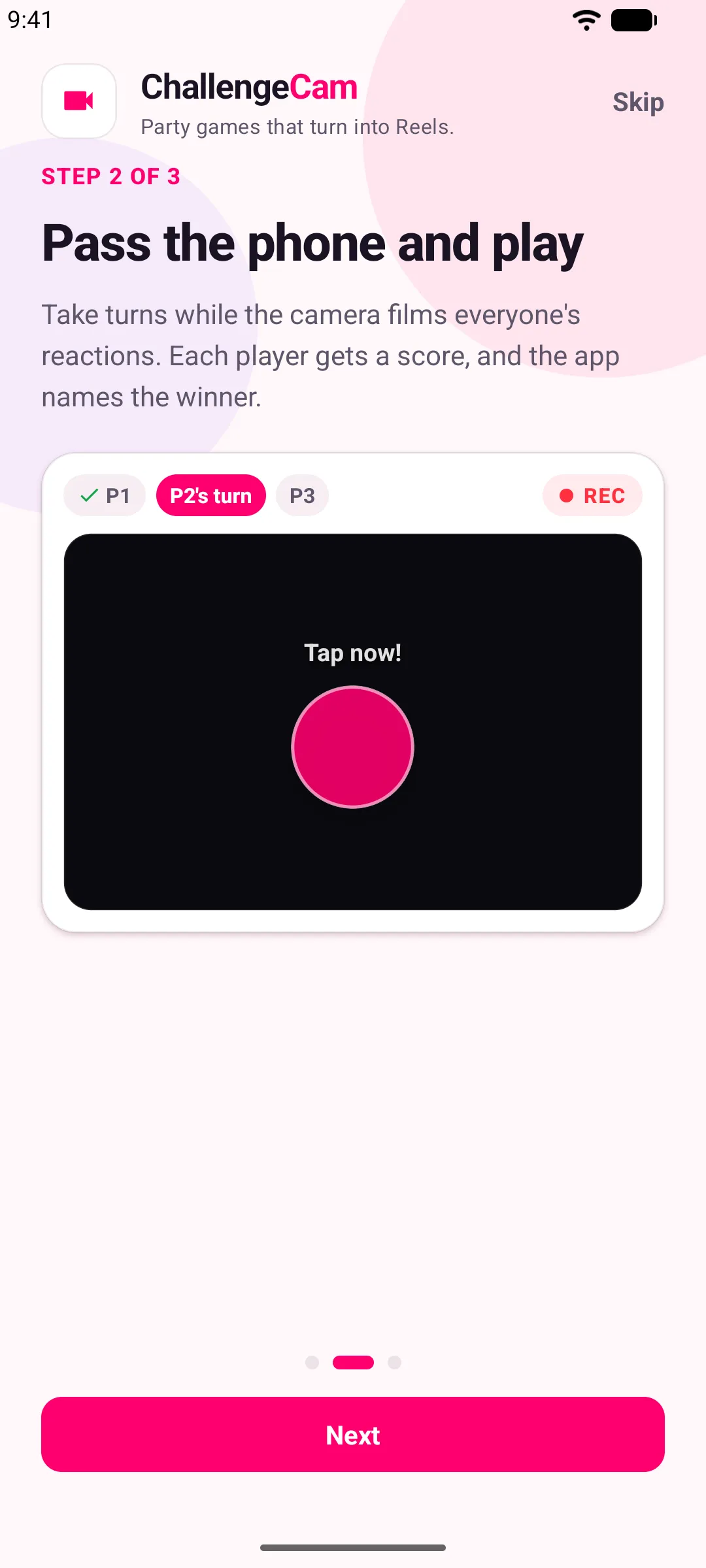 Pass the phone: each player takes a turn while the camera films their reaction.
One take, one finished clip
This is the part that usually takes an evening. Normally you’d screen-record the game, film everyone’s faces separately and edit it all together. ChallengeCam does it in one go: the front camera films each player while they play, and the faces, the game, every score and the winner come out as one vertical video.
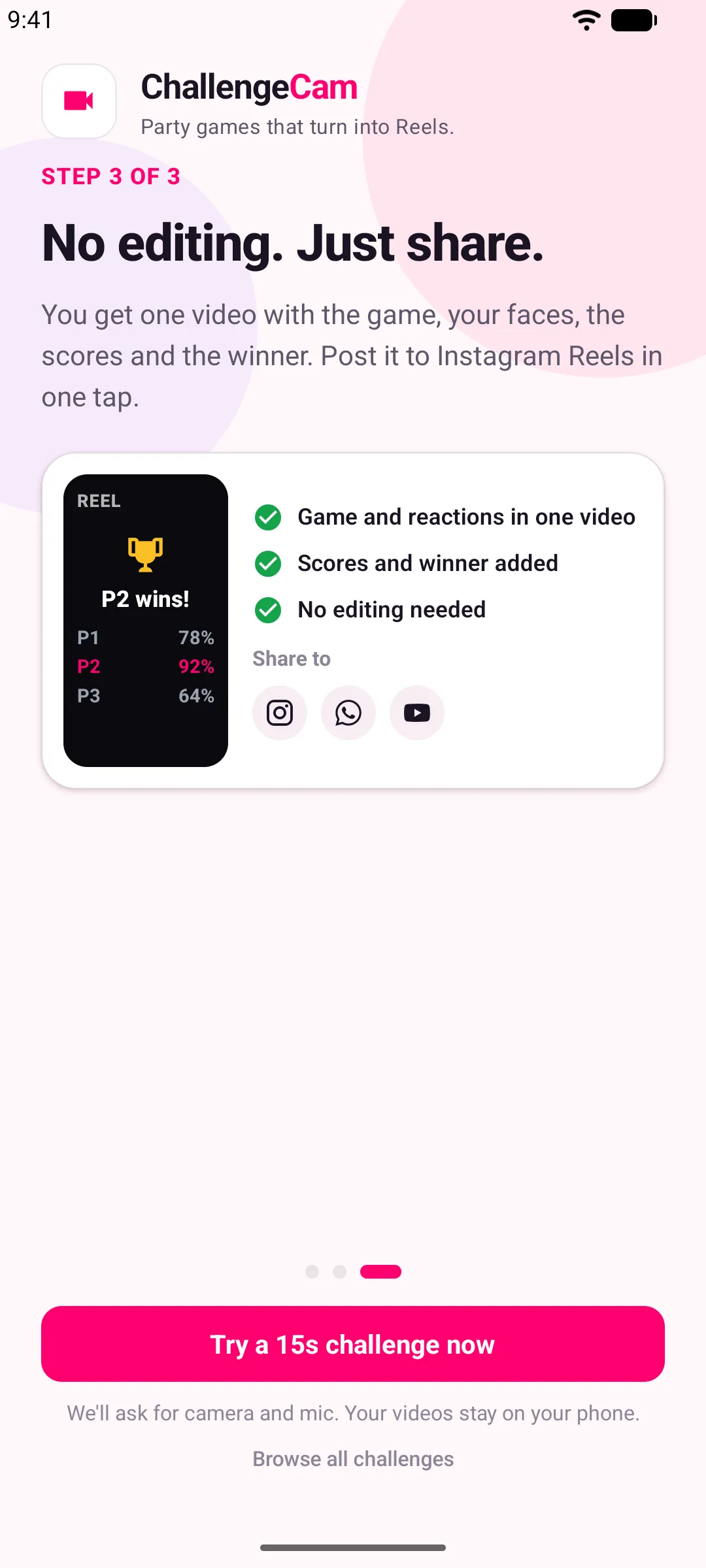 The finished clip, with every face, every score and the winner.
Sharing it
When the round is over, post to Instagram Reels with a caption ready to paste, or share to YouTube Shorts or WhatsApp. Every video ends by daring friends to beat your score.
Challenge a friend
Not everyone is in the room. Send a friend a link and dare them to beat your score.
Free and Pro
ChallengeCam is free, and 9 challenges are free to play forever. You can unlock a single premium challenge on its own, or get all of them with Pro.
Your videos stay with you
Your videos, scores and challenge history stay on your phone. The server only handles sign-in, preferences and the list of challenges.
ChallengeCam is on Google Play and the App Store. See the ChallengeCam page for screenshots.


